
Open source · MIT
A voice agent with its own cloud computer
You talk while it works on its cloud computer, a Linux desktop with a Python session per job, shell commands and Chromium. It shows you the result and is told to ask before it sends, buys or deletes. You run it yourself, with your own Gemini API key.
apparatus is early: it has not yet talked to Gemini or run on a real cloud computer. Where it stands.
How it feels
You talk. It works. It shows you.
- 01
You talk
Tap the orb and say what you need. There is no text box for requests and no button to hold.
- 02
It works
The request becomes a job on your cloud computer. The voice keeps talking with you while the job runs.
- 03
It shows you
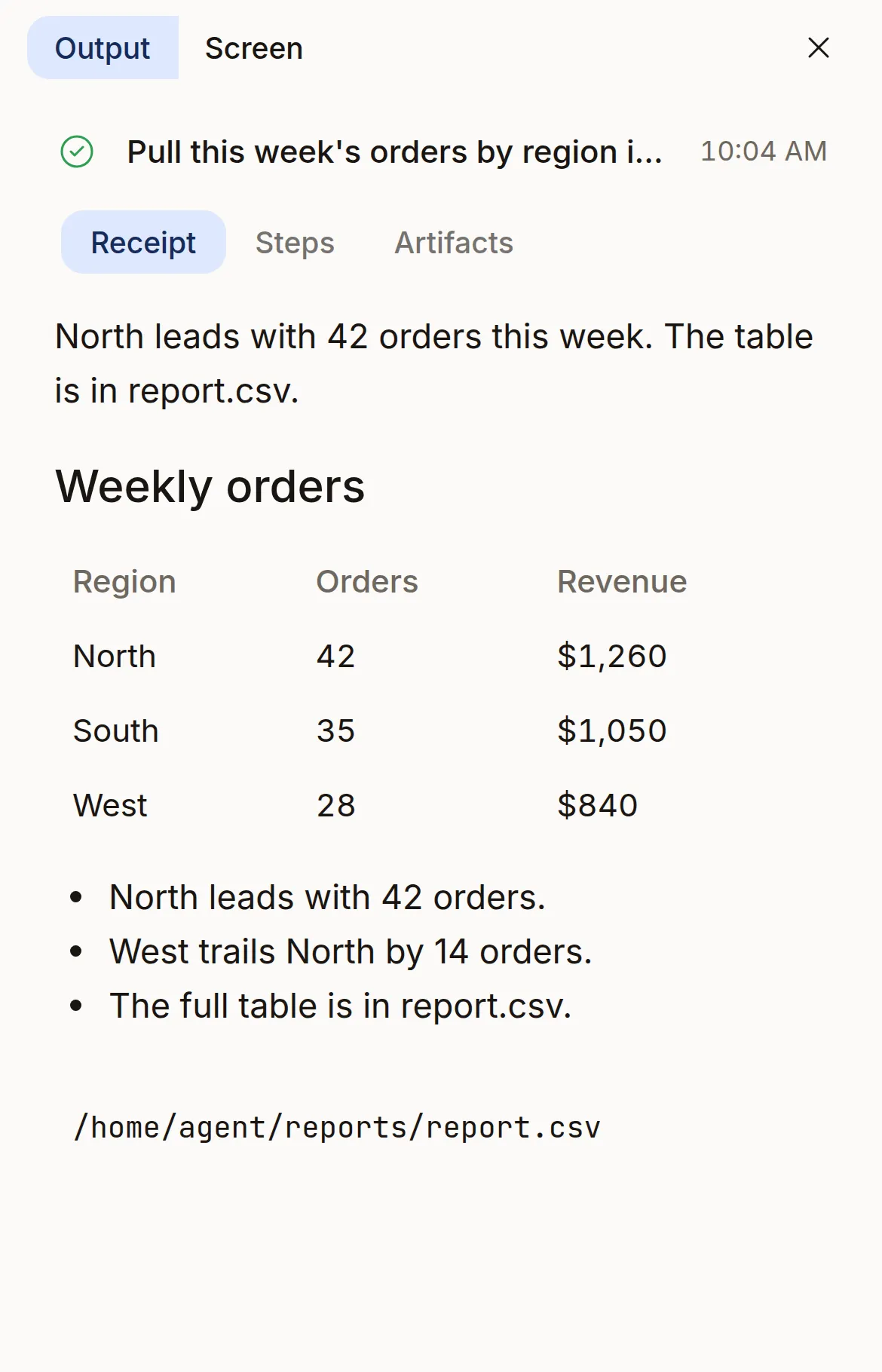
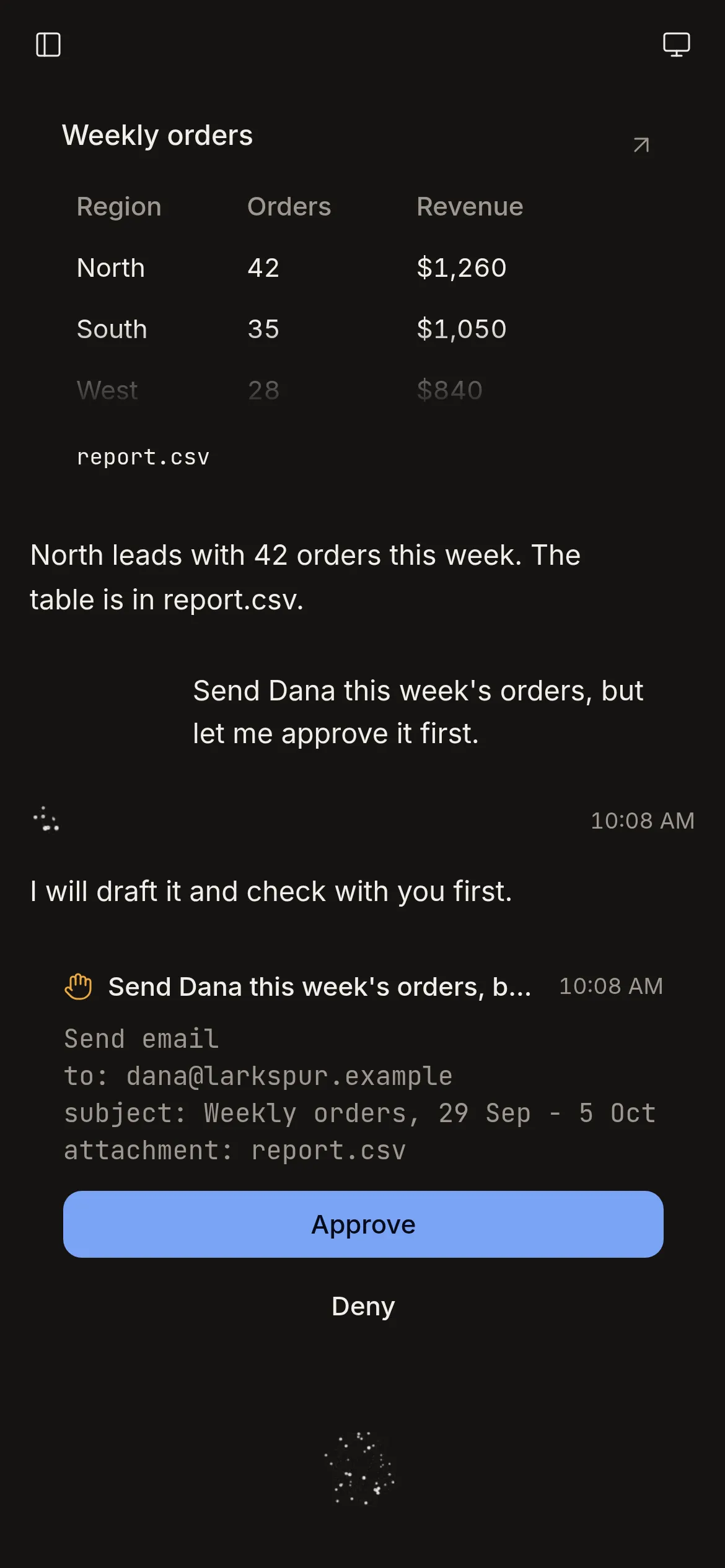
The result lands in the feed: what it found, a table, the file it made.
- 04
It asks only when a person must act
It is told to stop for an approval, a sign-in or a captcha, and to do the rest without you.
One control, and it is the orb.
Tap it to start a voice session. Tap it again to end it.

Off

Listening

Working

Speaking


To interrupt the agent, talk over it. Above the orb, the screen shows what the model heard you say. A running job shows a small orb of its own. The microphone is open while the agent is on. A voice gate on your device sends audio only while it detects speech.
Your cloud computer
It works on a Linux desktop. You can take Control.
In your own deployment, each user has a cloud computer: a Linux desktop whose files stay between jobs. The agent does the work there while you talk. You can watch it, press Control to use it yourself, and Release it back.
- A Python session per job
- Each job gets its own Python process. Its variables stay between steps until the job ends or a step runs past its time limit. Shell commands run from Python.
- A desktop with Chromium
- Xfce and Chromium on a virtual display. The desktop tool clicks, types and takes screenshots. The Google Cloud image adds a terminal and Git.
- Files it keeps
- A folder per job, memory notes and saved tools stay on its disk. It is told to save a script when a job will repeat.
- The result, shown
- It is told to end a job with one or two sentences to say, detail in markdown for your screen, and a list of the files it made.
Control and Release
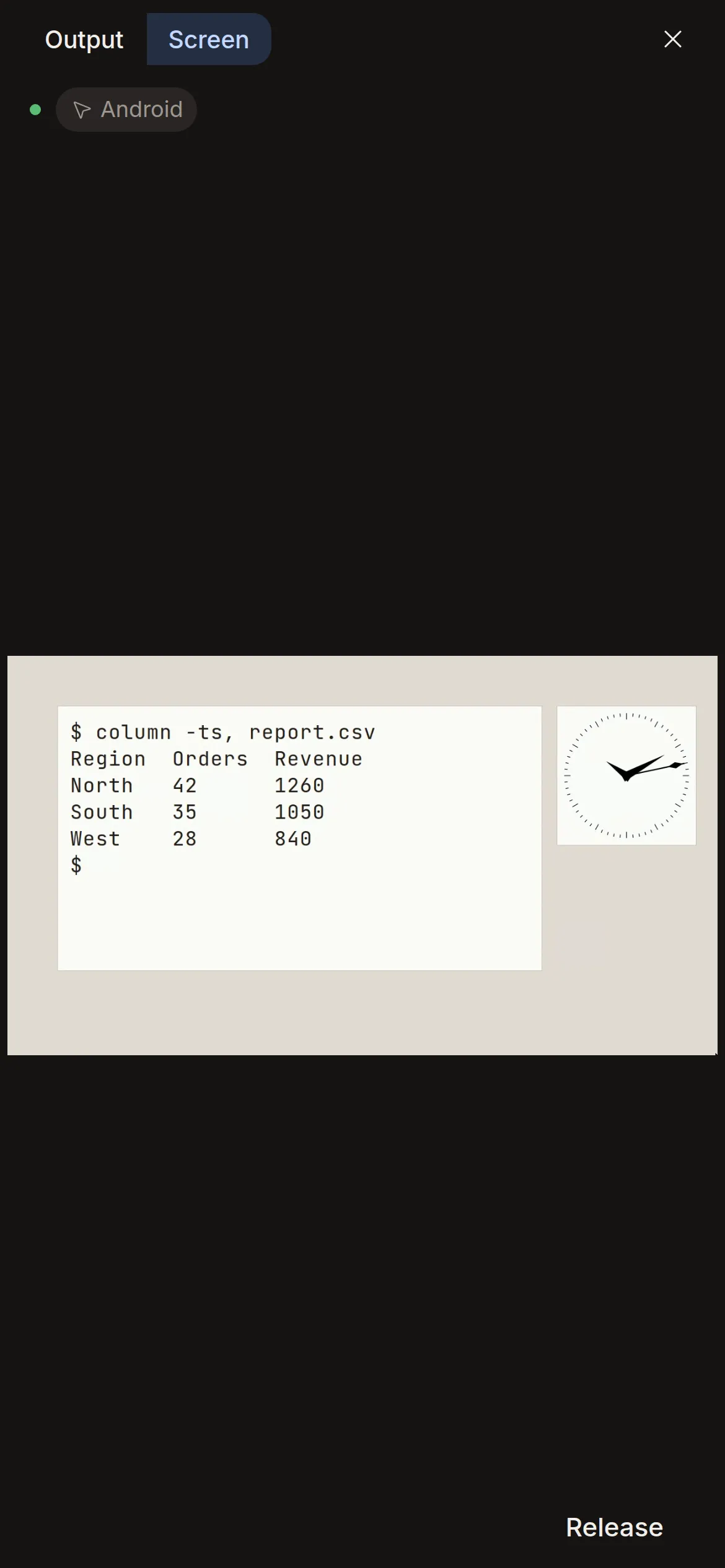
The screen streams live to your device. Press Control to use the desktop yourself; the agent's desktop tool stays locked until you press Release.
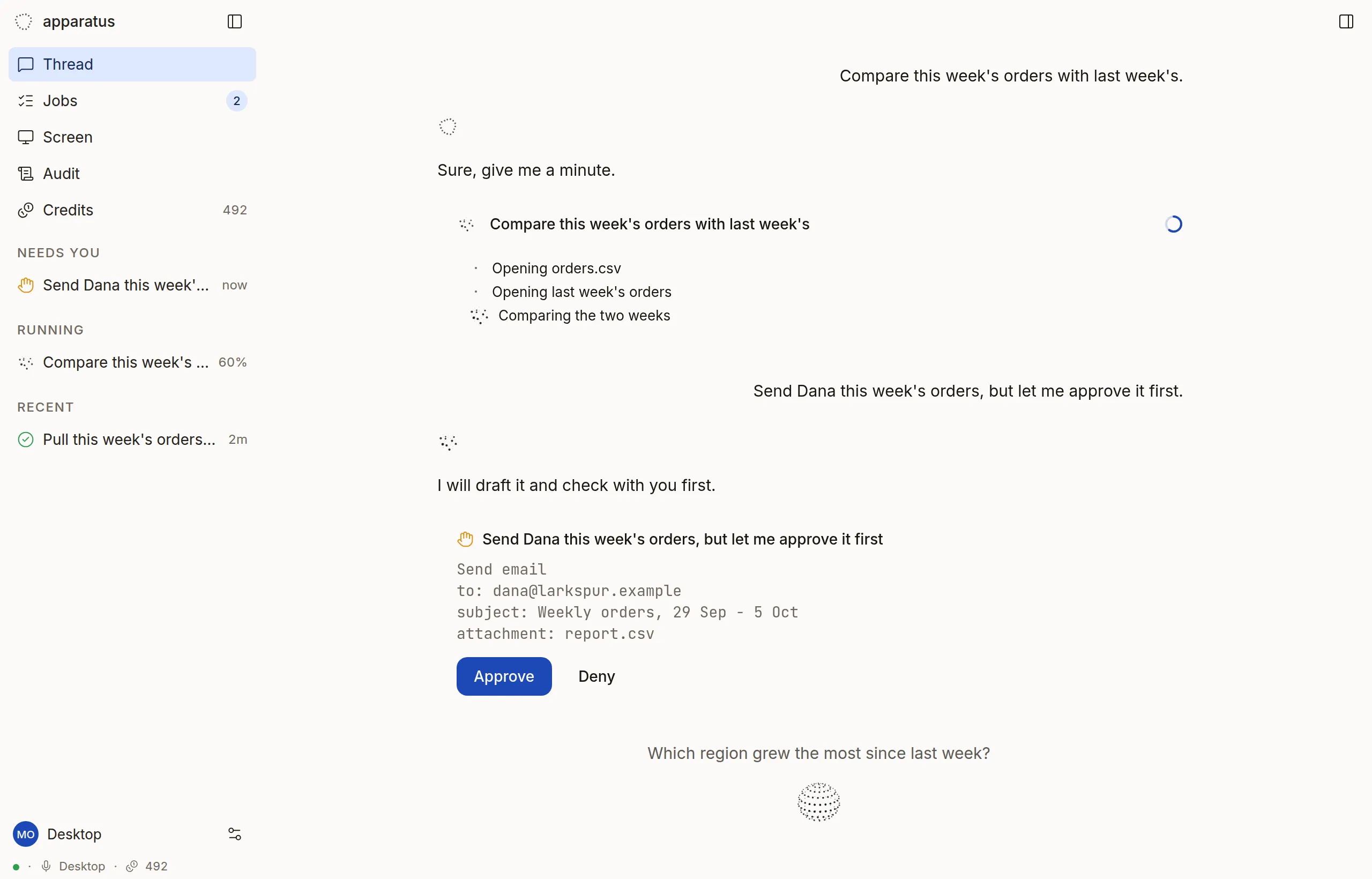
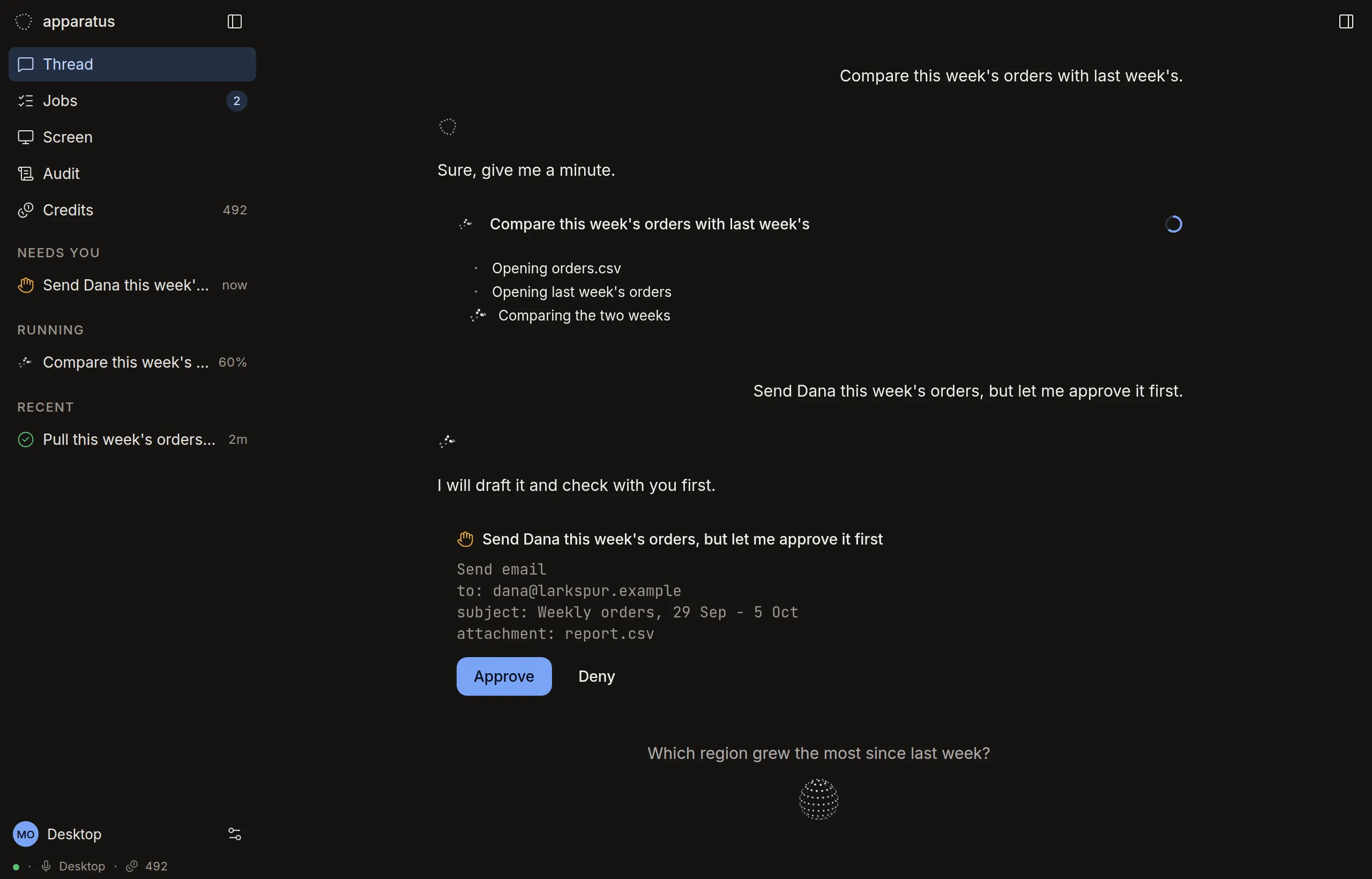
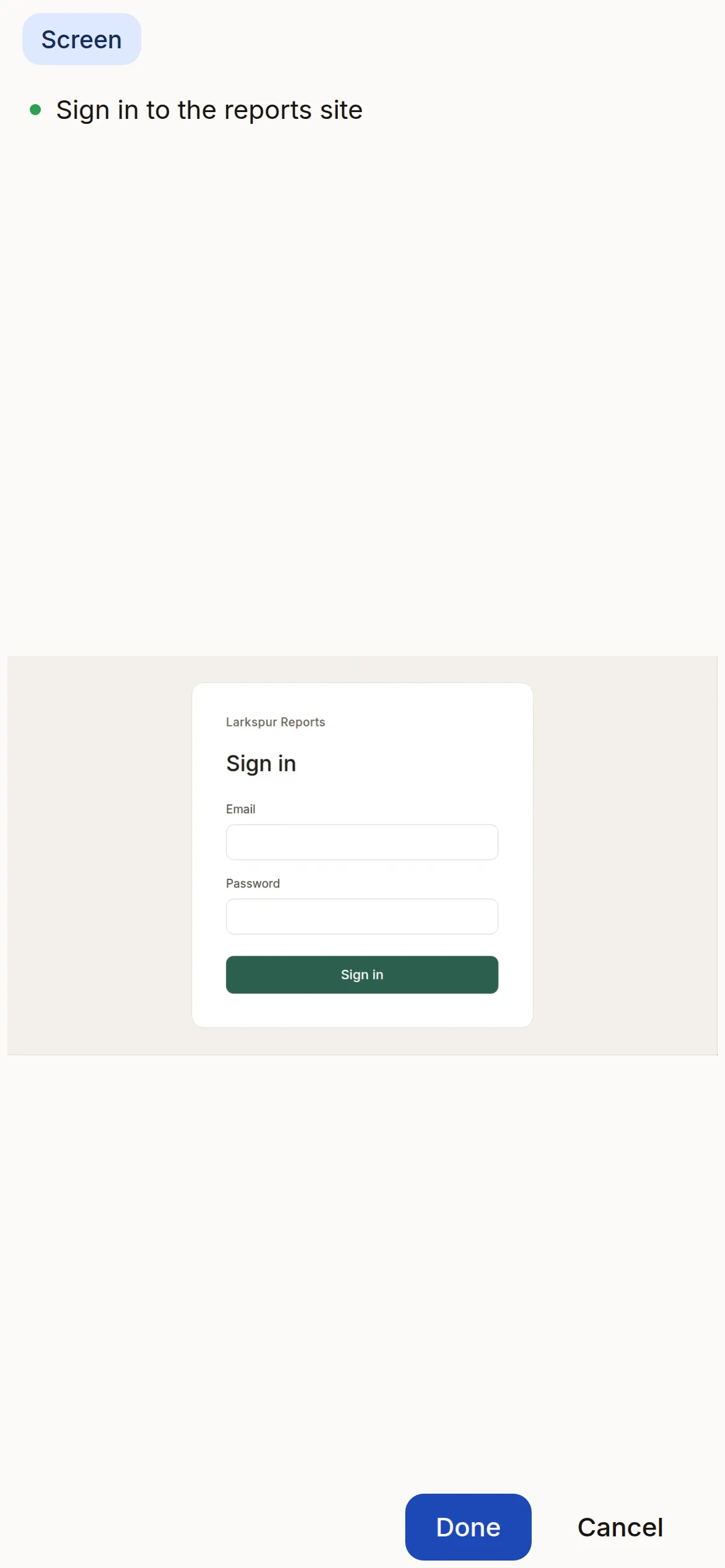
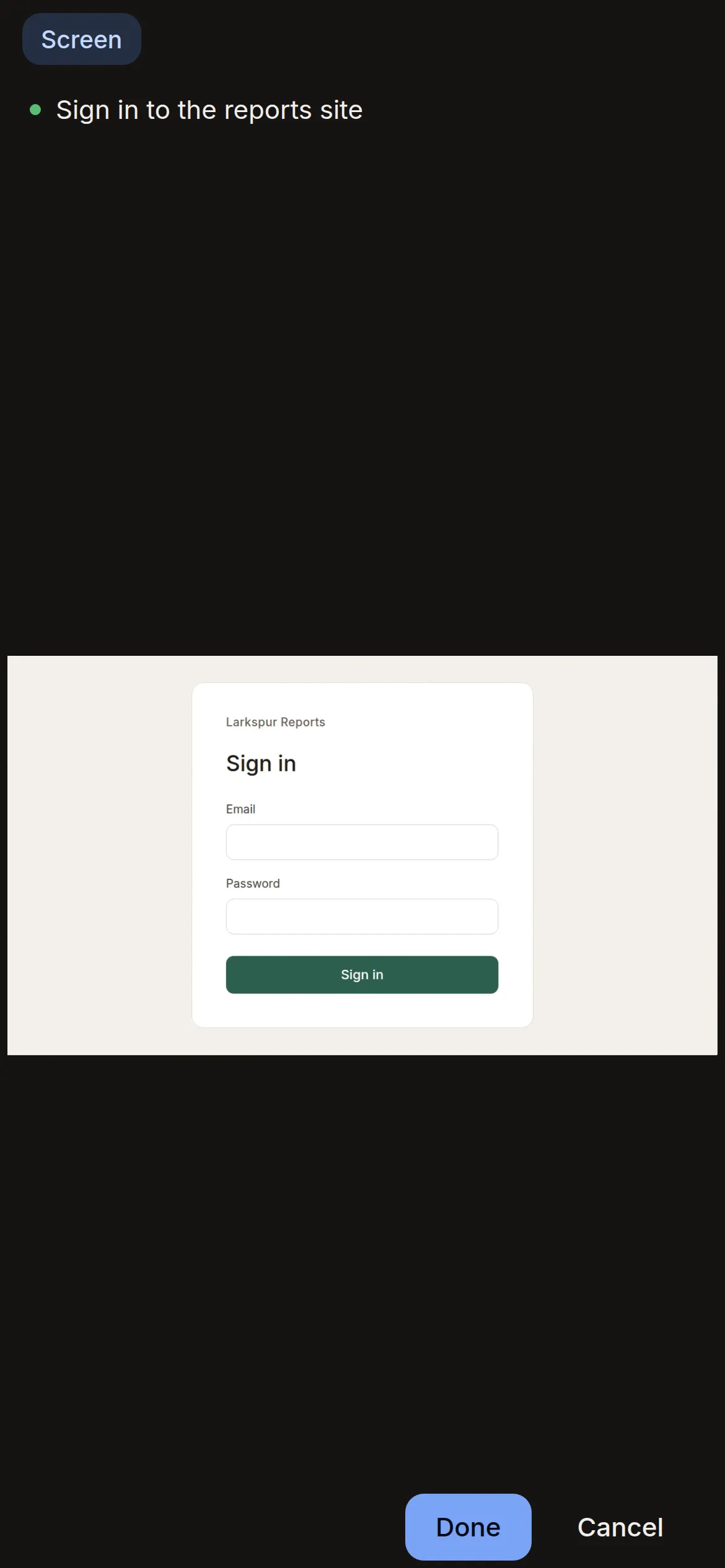
The web app in a browser, in demo mode. The screen is a bare X session streamed from agentd, not the VM image's Xfce desktop.
Handoffs
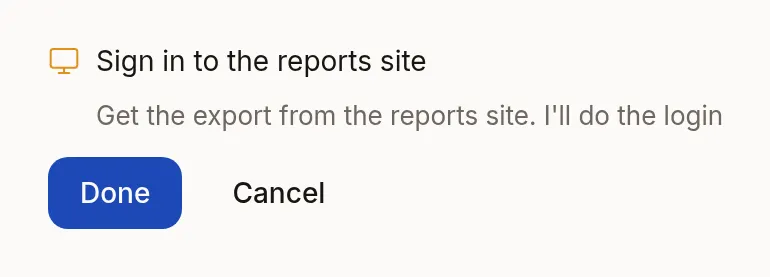
On a sign-in page, a code request or a captcha, the agent is told to stop. It hands you the screen. You sign in on your cloud computer, press Done, and the job goes on. The agent is told never to solve a captcha.
The web app in a browser, in demo mode: the card at desktop width, the Screen tab at phone size in a drawn frame.
Every device
One agent on the web, desktop, phone and watch.
The same web app runs in the browser and in 2 shells. The web, desktop and phone apps show the same jobs. One of them holds the voice session at a time.
Tauri 2 builds the desktop app for Windows, macOS and Linux. Capacitor 6 builds the phone app for iPhone and Android. Apple Watch and Wear OS have native apps: the orb and a tap.
Built so far: web, Linux, Android, Wear OS. Not yet compiled: iOS, macOS, Windows, Apple Watch. A version tag runs release.yml, which attaches every build to a GitHub Release. No release exists yet. The apps table has the state of each.
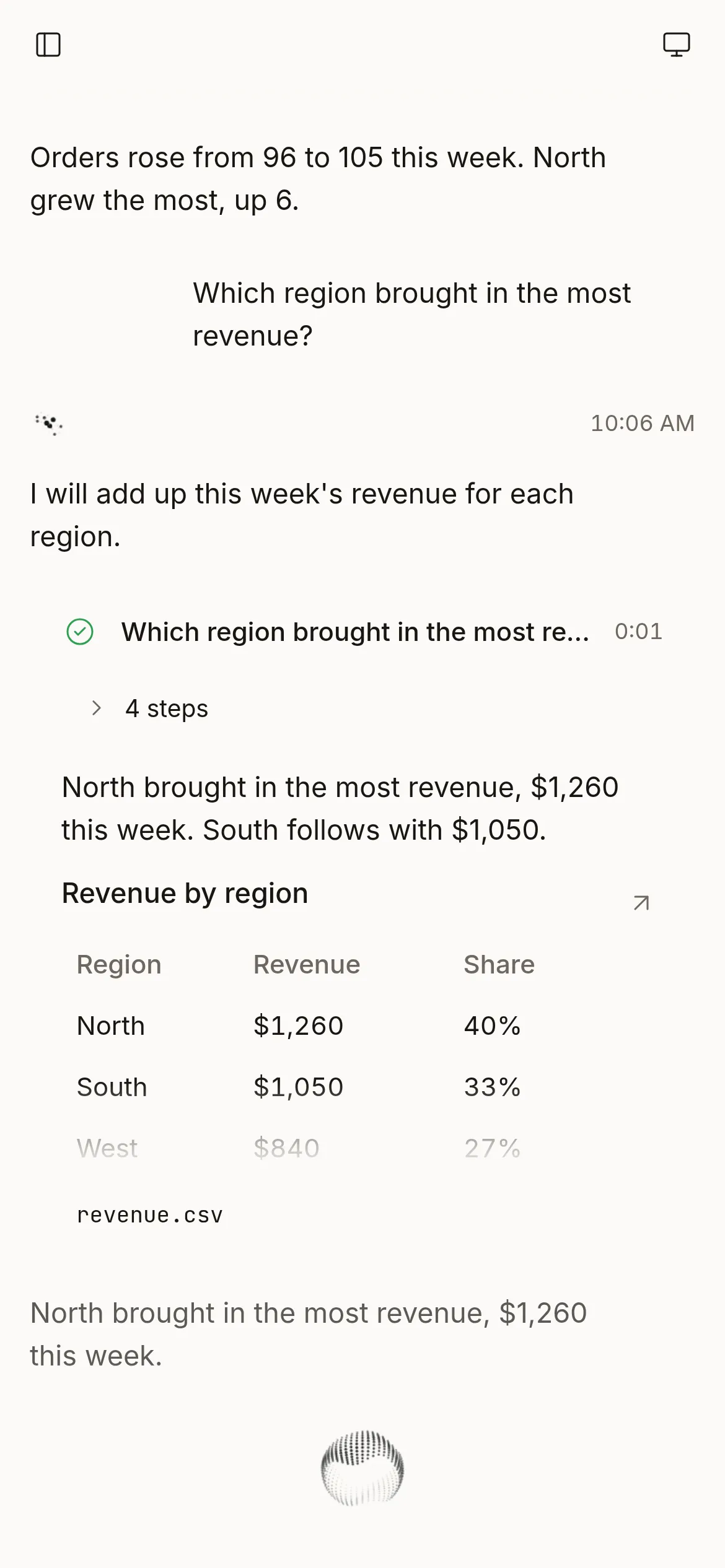
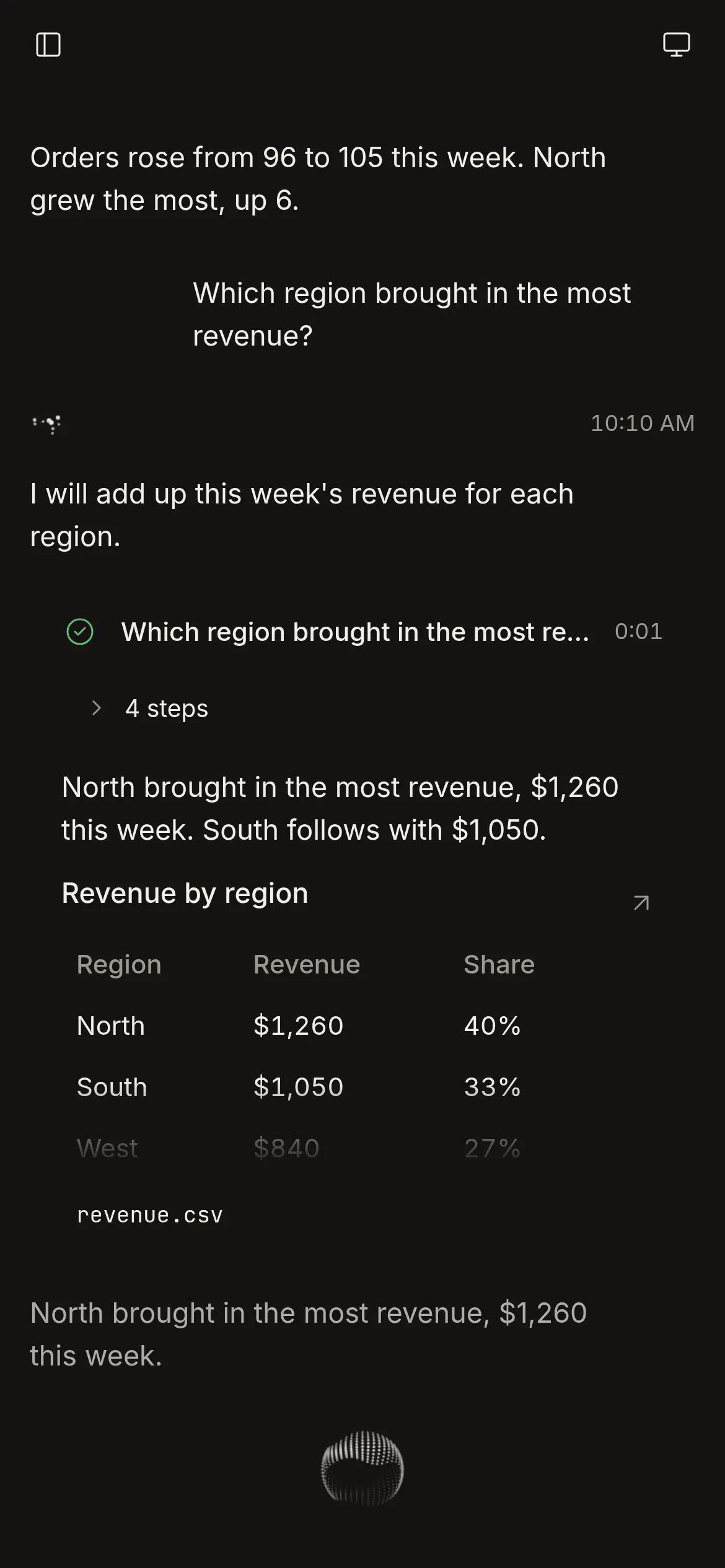
An answer 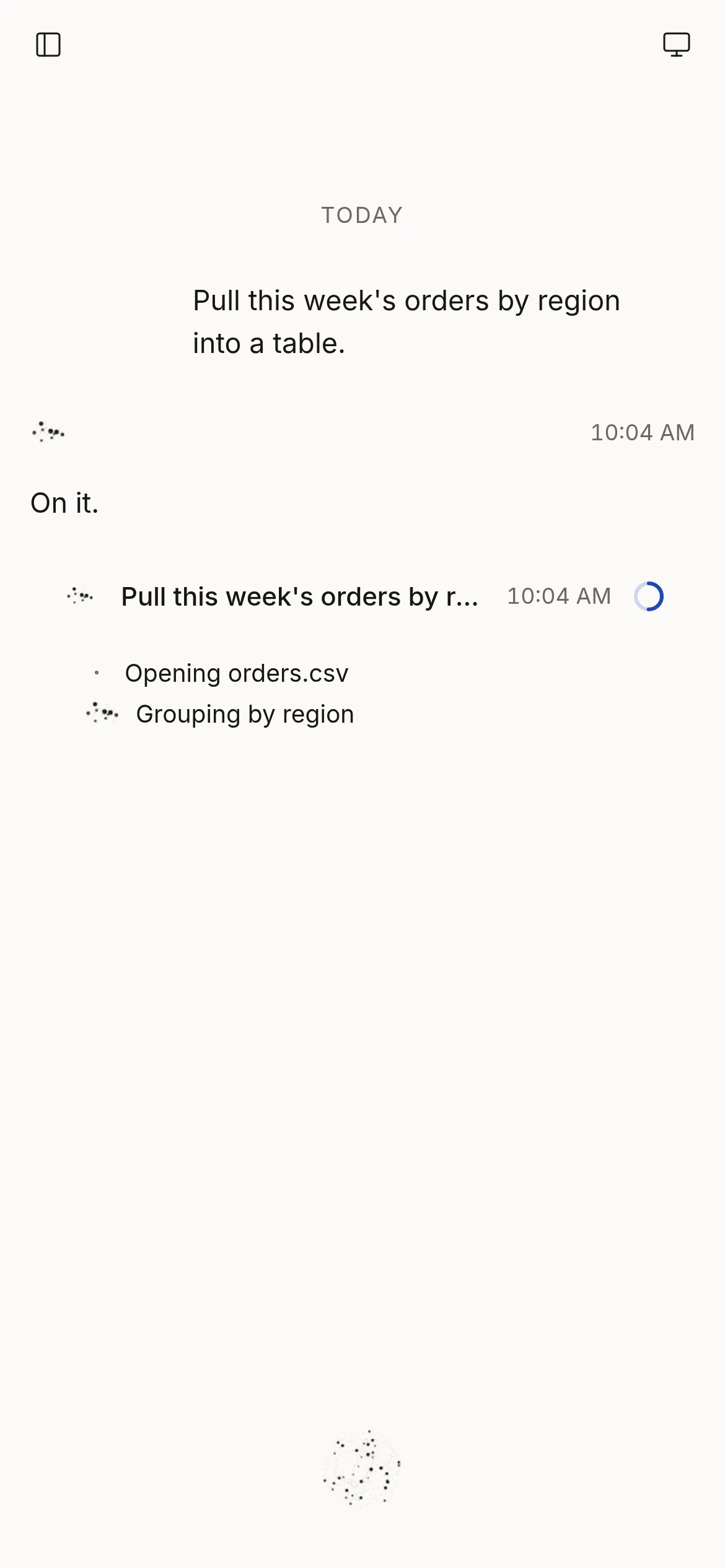
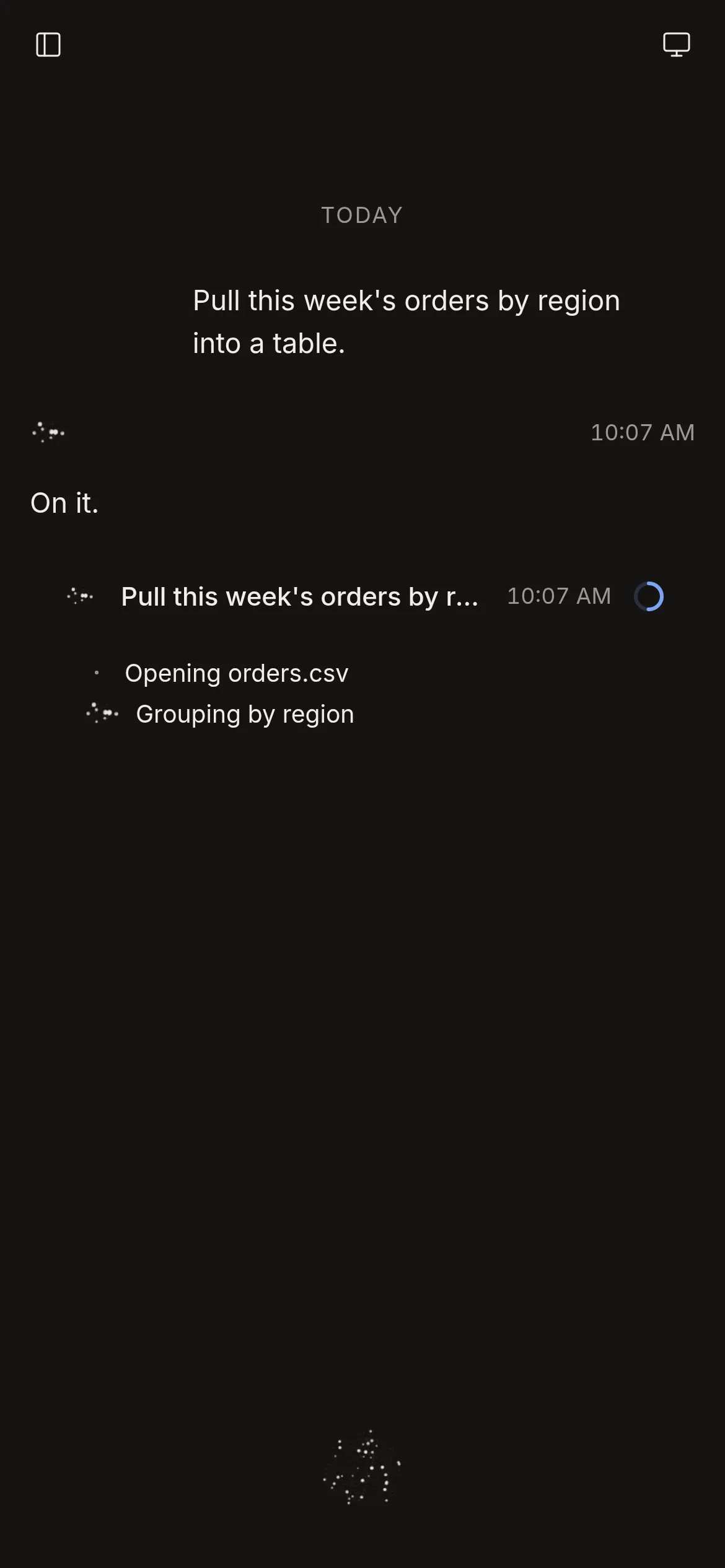
Working 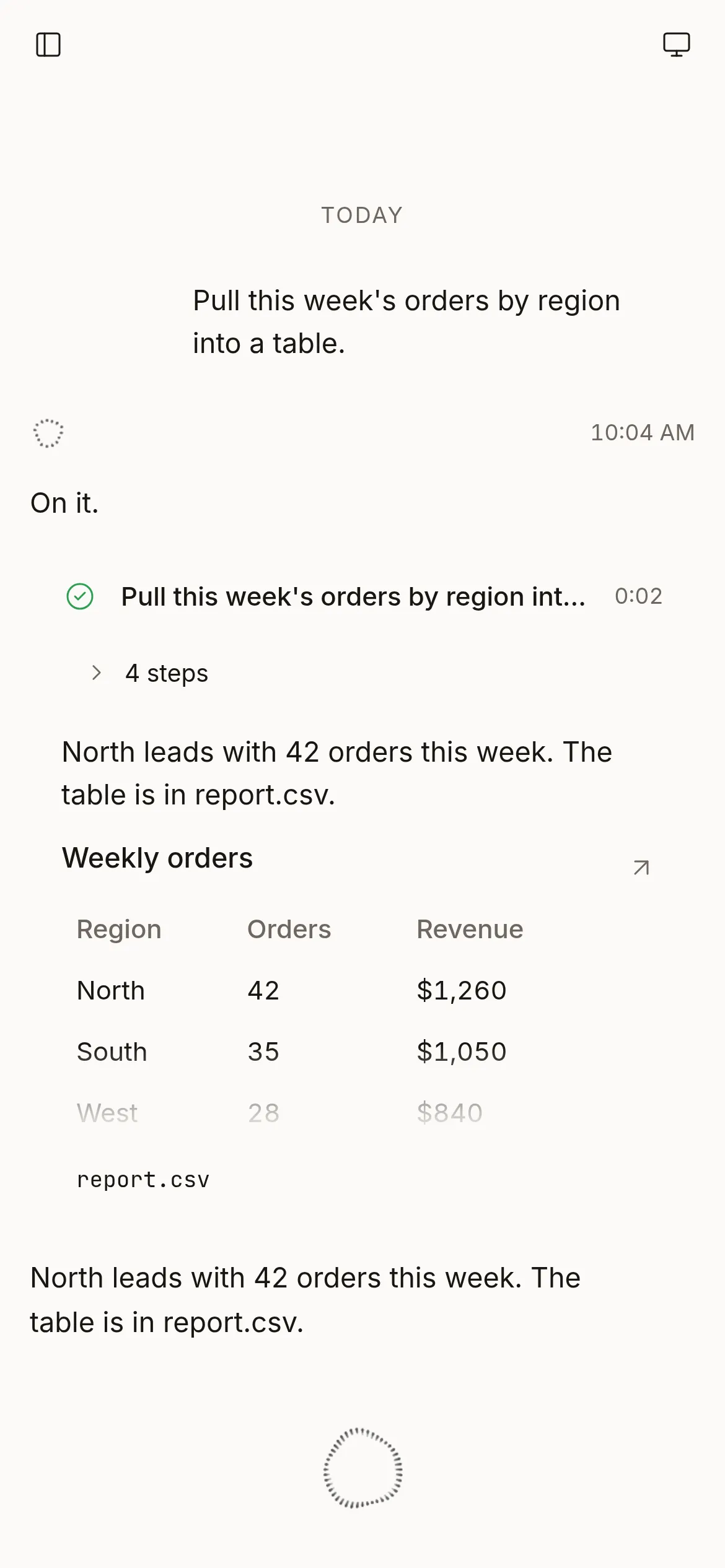
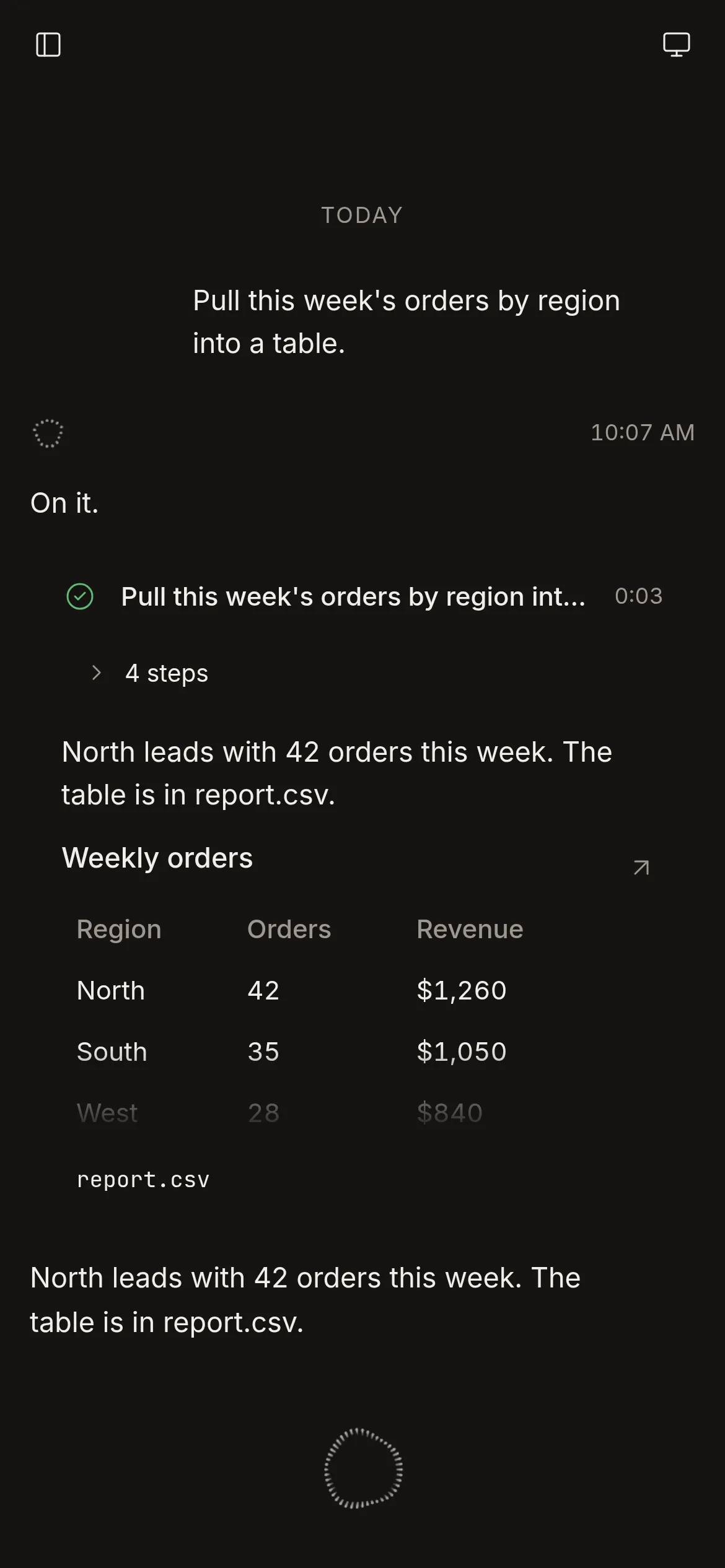
Done 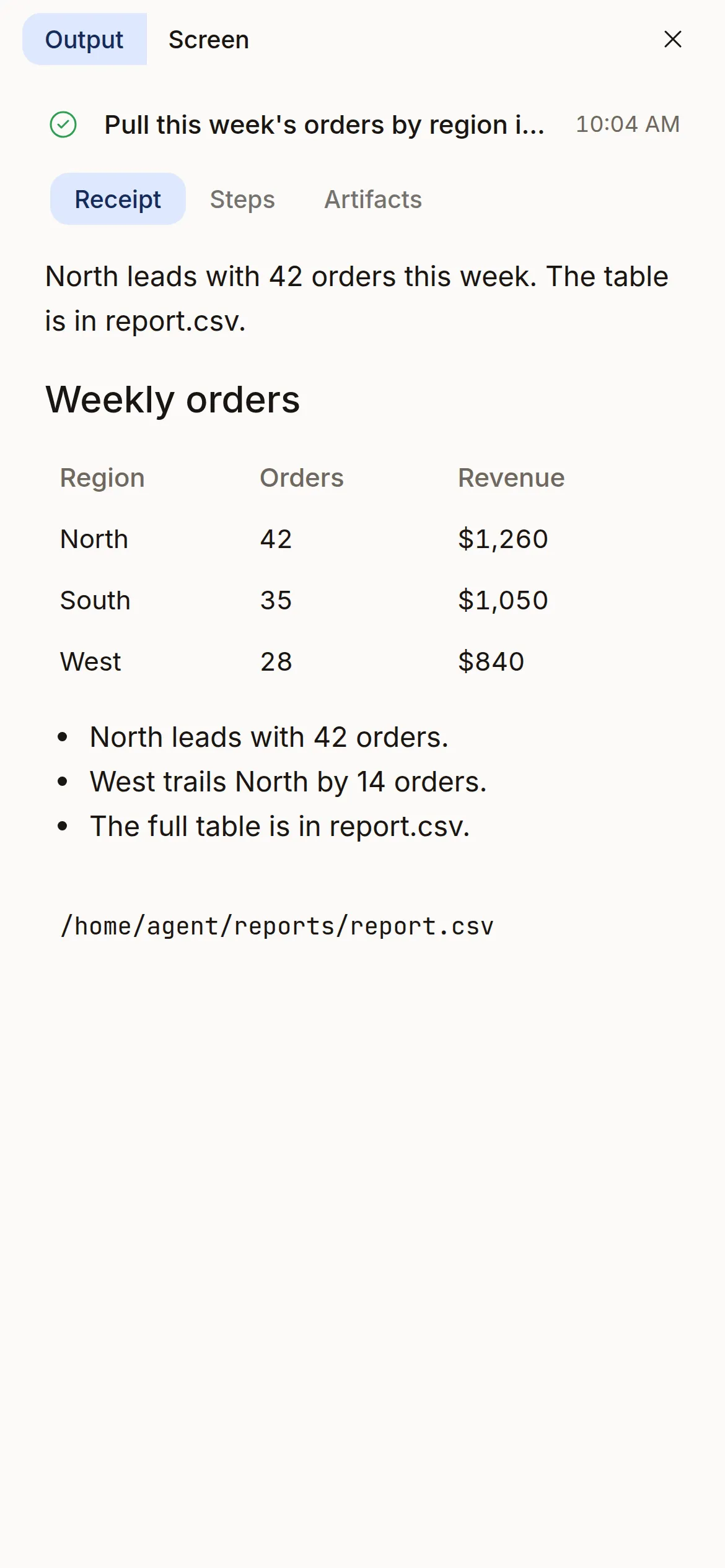
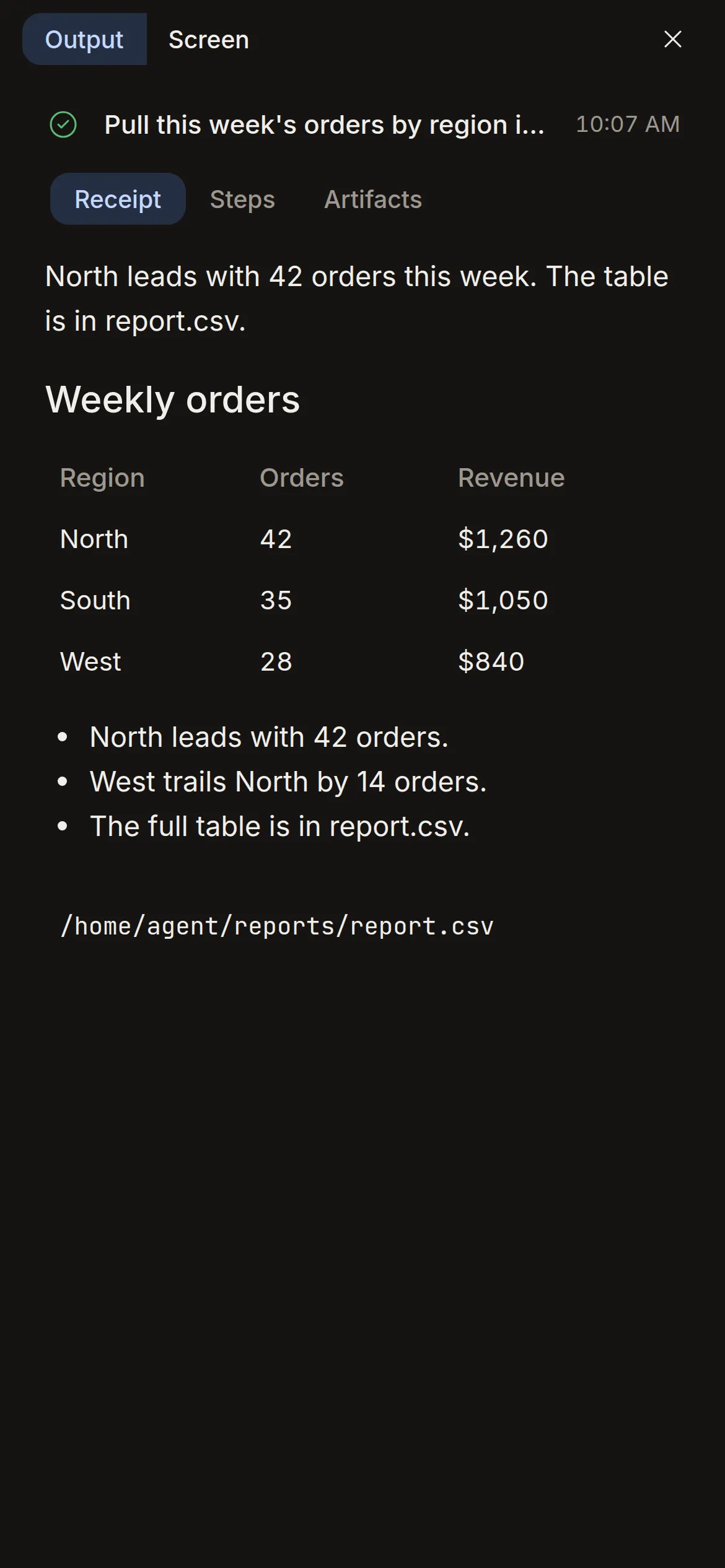
Receipt 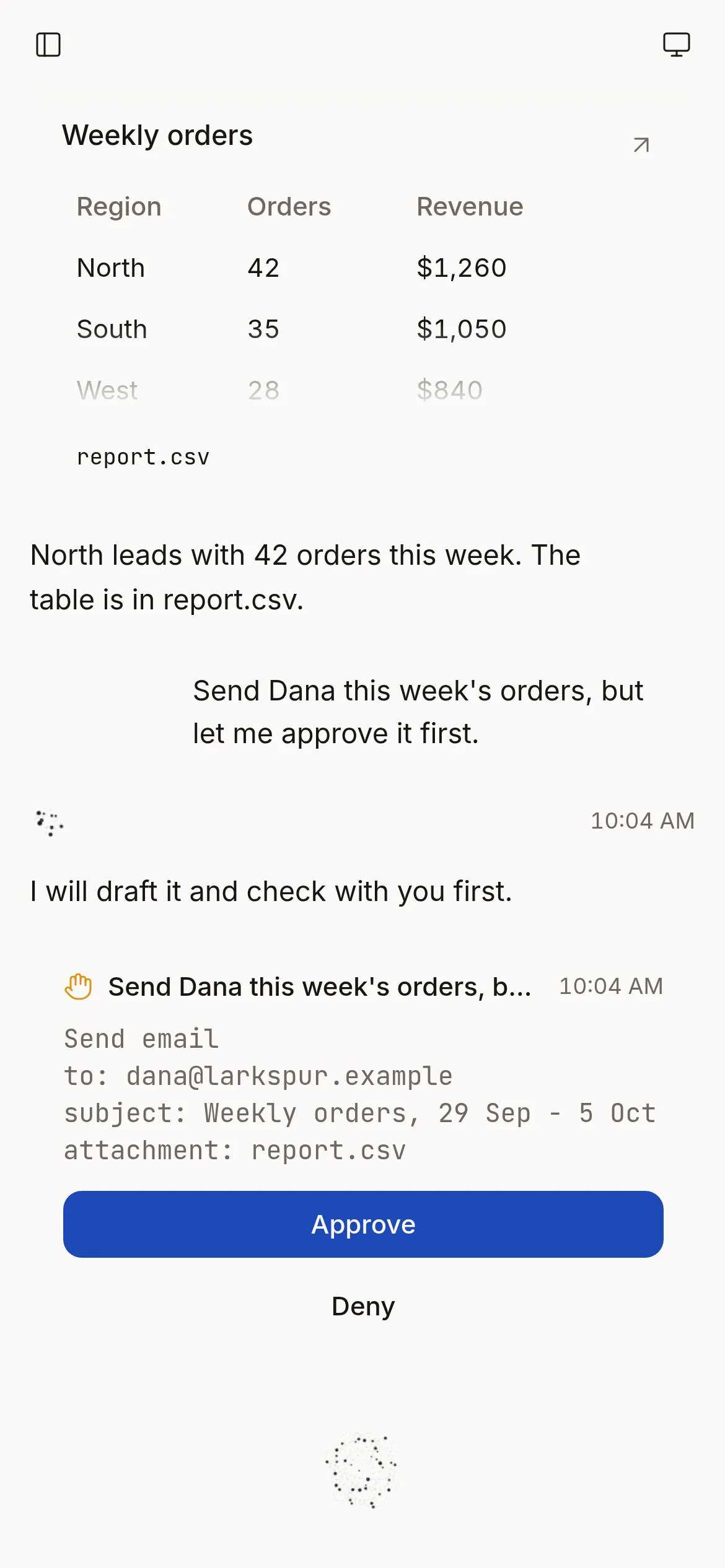
Approval Handoff 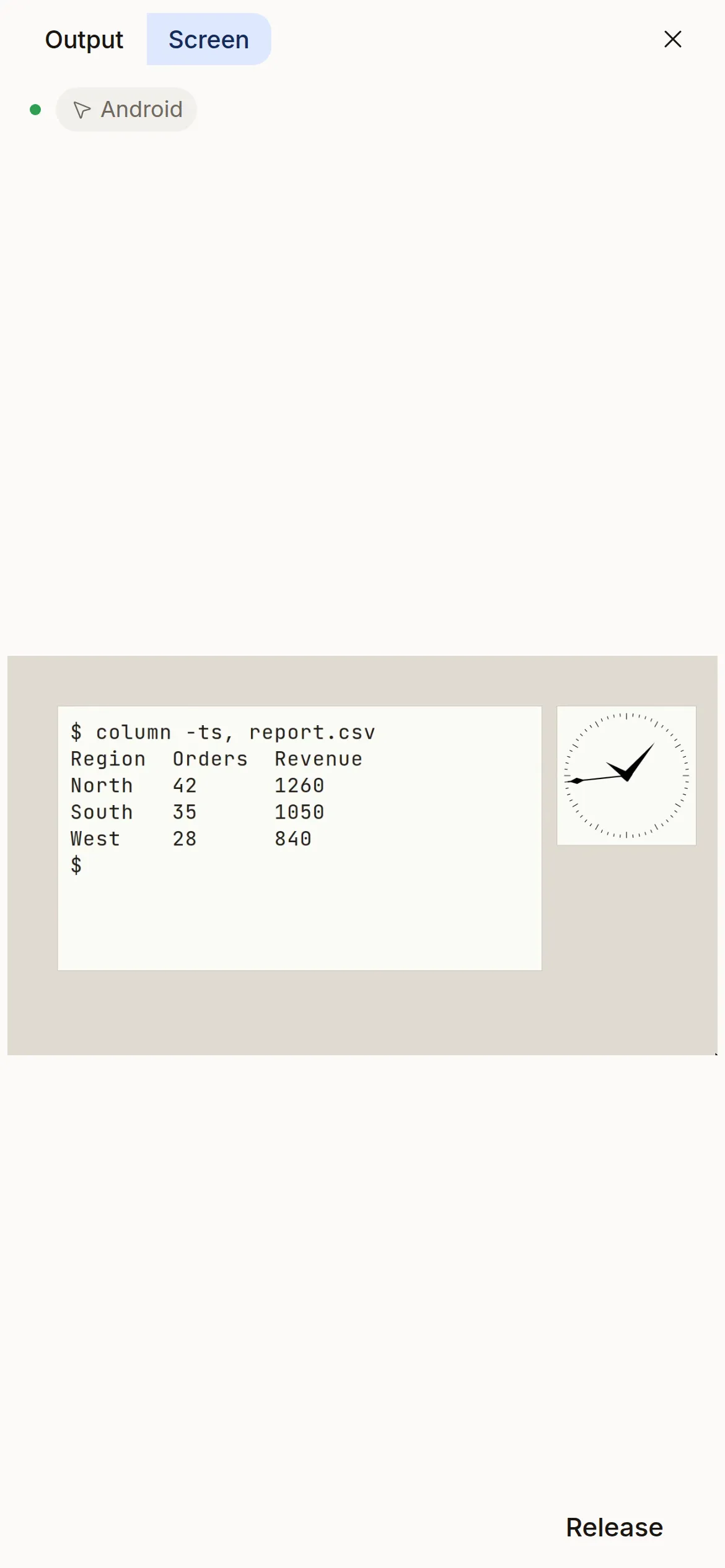
Screen 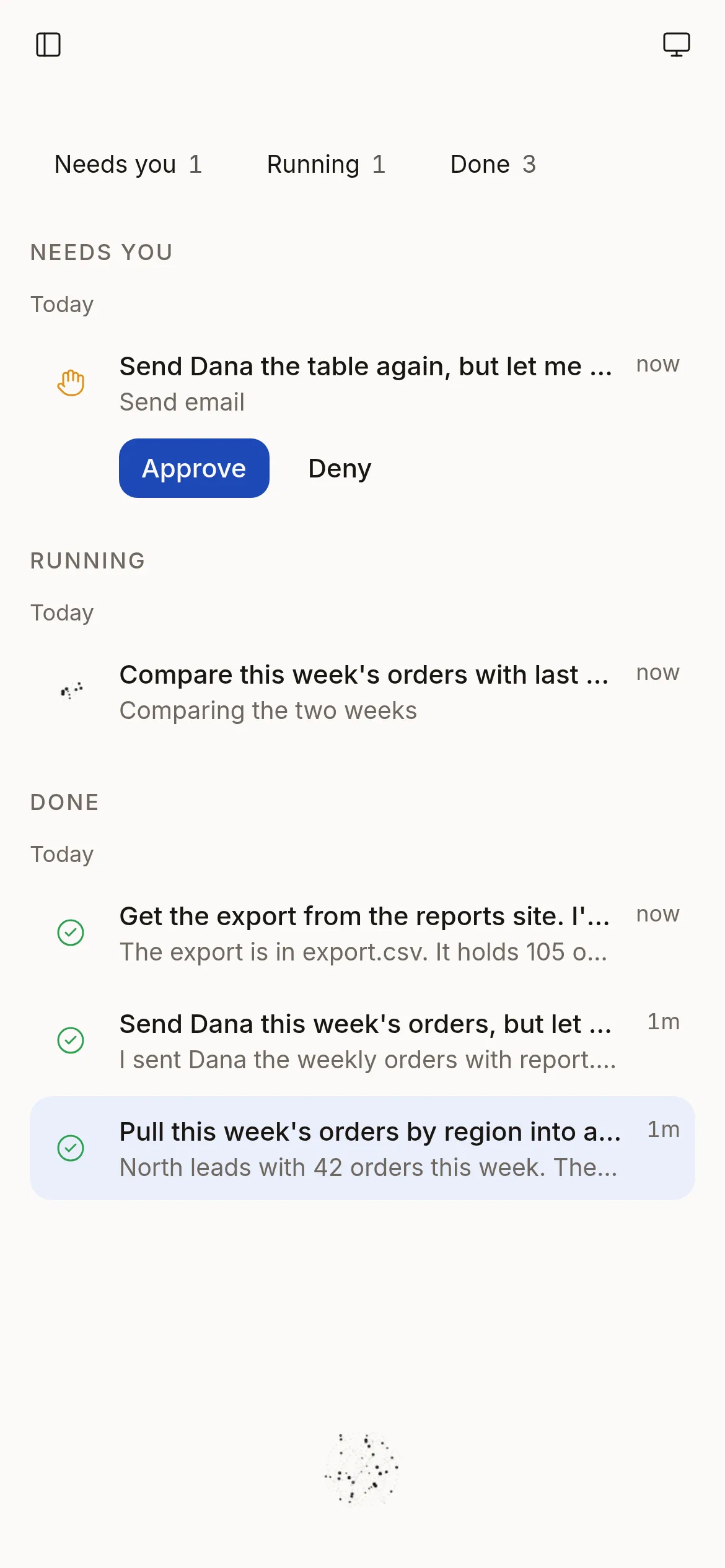
Jobs
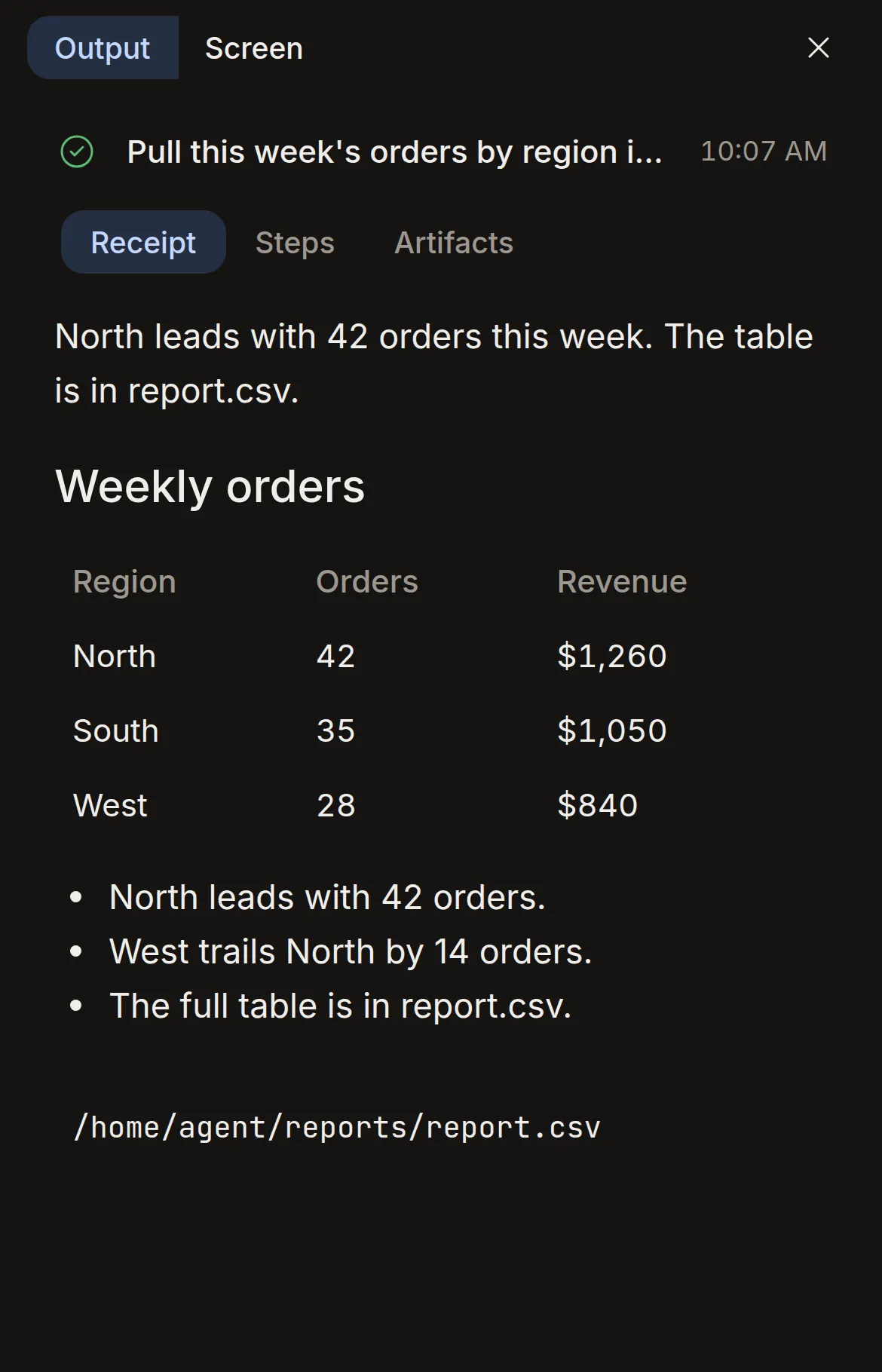
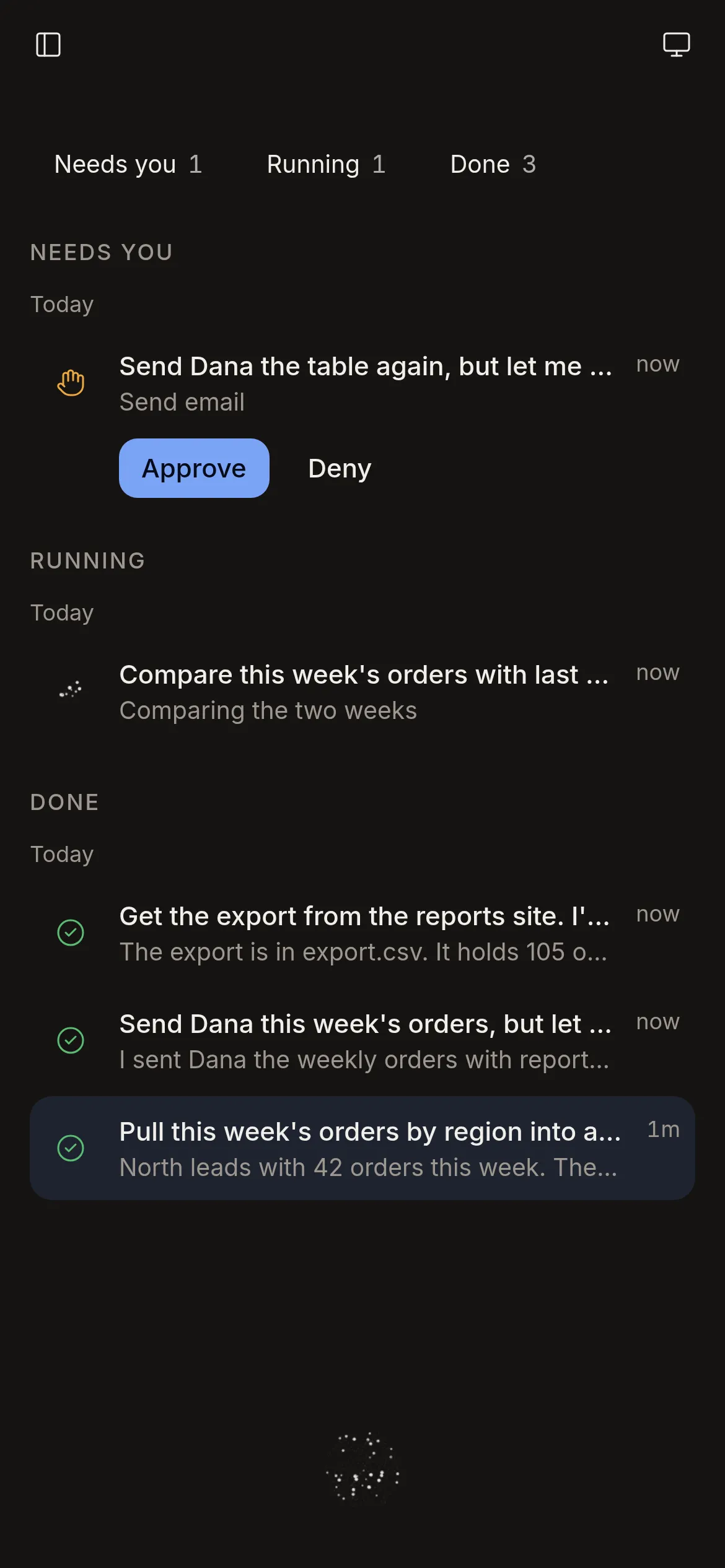
The web app at phone size in a browser, in a drawn frame, not the Android app on a device. Demo mode, with a scripted voice.
The watch is the orb
No text, no buttons. Tap anywhere to start a voice session and tap again to end it. Approvals arrive as notifications with Approve and Deny.
Rendered with Paparazzi from the Wear OS app's code; no watch has run it yet.
Safety
It is told to ask before it sends, buys or deletes.
Approvals before it acts
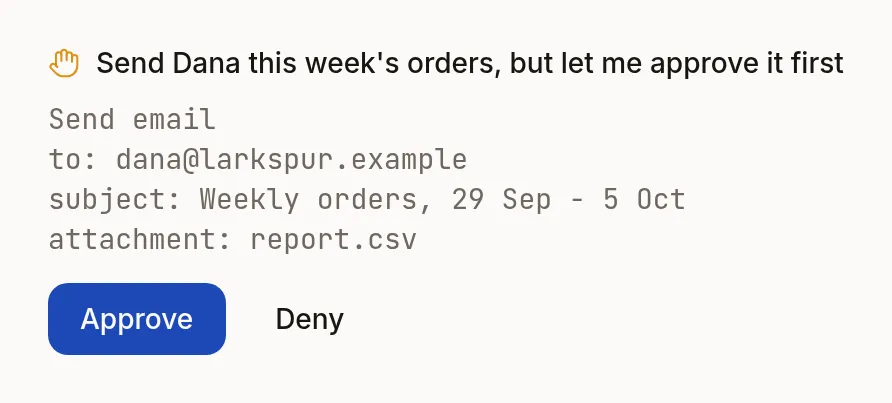
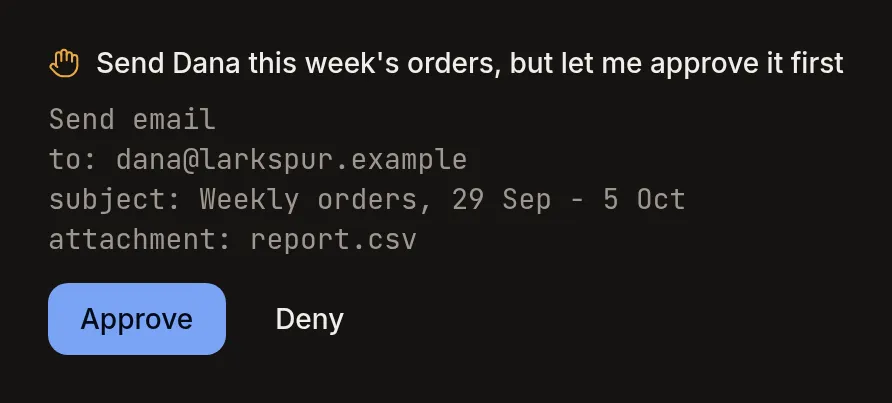
The agent is told to ask before it sends, buys, deletes, posts, shares or changes an account. The job waits up to 30 minutes for your answer. No answer counts as Deny. You see the action and its details first. Only the model's instructions hold this rule; no code on the server or the cloud computer checks it.
- An audit log
- The server writes jobs, approvals, handoffs, screens and Control to an append-only log. Nothing on the cloud computer can reach it.
- No inbound ports
- In the Google Cloud deployment, a firewall rule blocks every inbound connection to the cloud computer. It dials out to the server.
- Your key stays on the server
- The Gemini API key lives on the session server only. The cloud computer never holds it, and the model never sees it.
- Web pages are data
- Text from web pages and files reaches the model wrapped and marked as data. The model is told never to follow it as an instruction.
- Hands off while you hold it
- While you hold Control or a handoff is open, the cloud computer refuses the agent's desktop tool. During a handoff the server refuses it too. One gap is open: Python code in a job can still reach the display. Roadmap item 7.
How it works
Two models, one server, your cloud computer.
Your device gets a short-lived Live token from the server, so the API key never leaves the server. The cloud computer dials out to the server. In the Google Cloud deployment, a firewall rule blocks every inbound connection to the cloud computer.
The architecture notes follow one voice turn through every part.
Run it
Open source under MIT. Run it on your machine.
The server, the cloud computer's daemon, every client and the Terraform for Google Cloud are in one repository. The text model's instructions and its 4 tool declarations are in one Python file, smart.py. Every message between the parts is in the protocol. Locally, the path is 3 commands that build the server and a virtual desktop in Docker.
$ git clone https://github.com/reagent-systems/apparatus.git && cd apparatus $ cp .env.example .envf infra/local/docker-compose.yml up --build Then open http://localhost:8080. Put a GEMINI_API_KEY in .env; without one the voice does not connect and every job fails. Add APPARATUS_DEMO=1 to replace the text model with a scripted one. The voice still needs the key.
Where it stands. apparatus is early. The server and agentd run end to end in tests, against fakes and real Python kernels. It has not yet talked to Gemini, and it has not yet run on a real cloud computer. No app has run on a phone or a watch. The Docker path has not been run end to end yet. The Google Cloud Terraform passes terraform validate but has not been applied to a real project. The status page has the rest.
Waitlist
No hosted version yet.
Today you run it yourself, from the commands above. Leave your email to hear when a hosted version exists.
Talk to a computer that does the work.
Read the code, run it on your machine, or build the apps for your devices.
No hosted version yet. Join the waitlist to hear when one exists.